
Multilingual Desktop Publishing: Formatting Translated Documents Correctly
Quick Summary: Multilingual desktop publishing (DTP) is the formatting and layout work a document needs after translation, so the final file looks as clean and professional as the original. Translated text rarely fits the original layout without adjustment: some languages run 30% longer than English, some read right to left, and some need fonts or character sets the original design never accounted for. This guide explains what multilingual desktop publishing covers, why skipping it produces broken-looking documents, and how a Bay Area business can get translated brochures, contracts, and reports that are ready to print or publish.
What Multilingual Desktop Publishing Covers
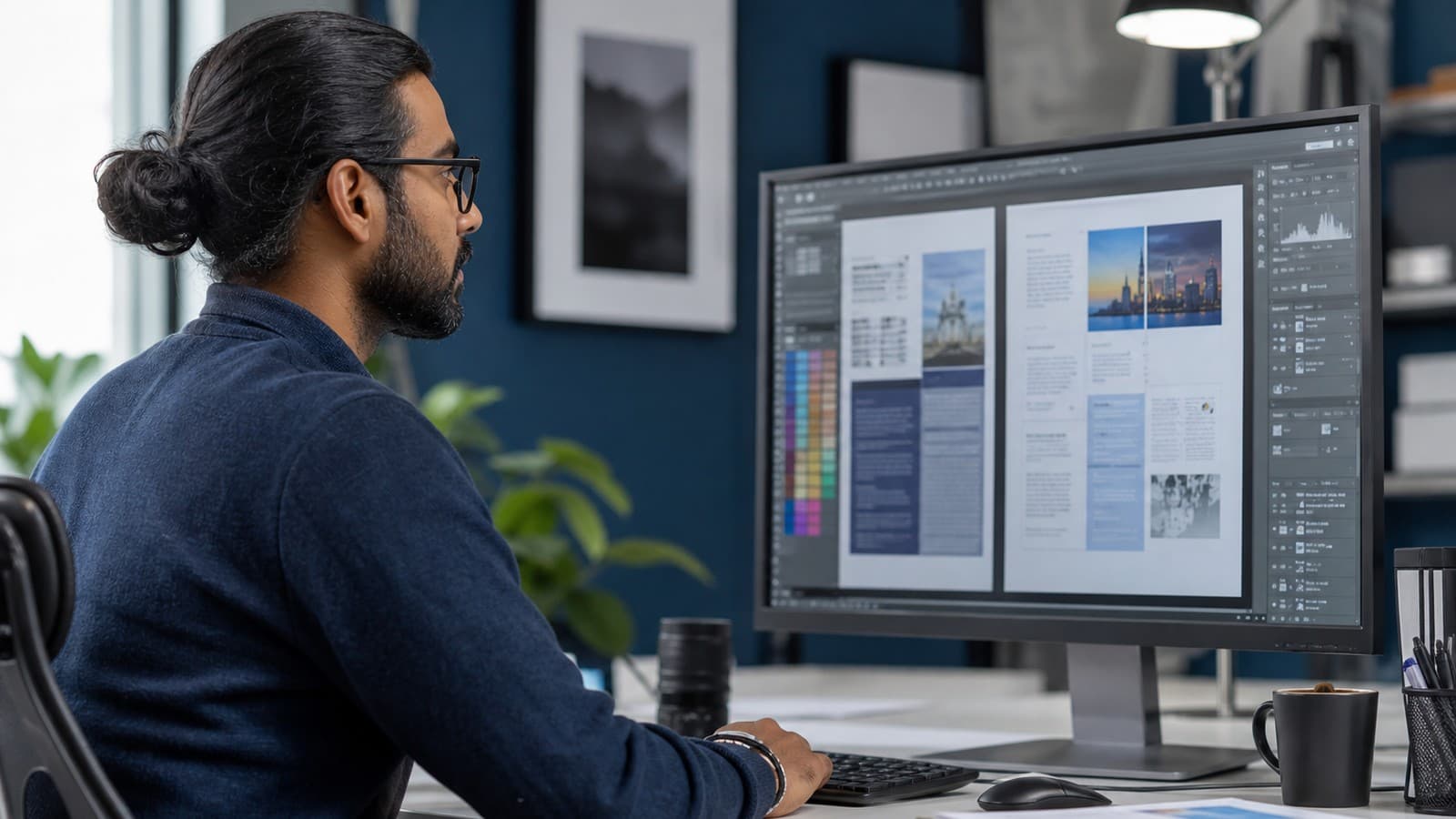
Multilingual desktop publishing is the process of reformatting a translated document so its layout, typography, and design work correctly in the new language. It happens after translation and before a file is considered finished. A translator turns the source text into accurate target-language content. A desktop publisher then fits that content back into the original design, whether it is a brochure, a legal contract, a training manual, or a slide deck, and adjusts spacing, fonts, images, and page breaks so nothing looks stretched, cut off, or misaligned.
Most people who have never managed a translated document assume that once the words are translated, the job is done. In practice, the layout work is often what separates a document that looks professional in a new language from one that looks like an afterthought.
Why Translated Documents Need DTP, Not Just Translation
A translated file rarely drops into the original template without problems. A one-page English flyer translated into German or Finnish can run noticeably longer, pushing text past a margin or over a photo. A translated table with short English column headers can end up with headers that no longer fit the column width. A pull quote sized for six words in English might need to hold ten words in Spanish, breaking the layout entirely if no one adjusts it.
These are not translation errors. The translation itself can be completely accurate and still break the visual design, because language length, punctuation rules, and reading direction are not the same across languages. A business that skips the formatting step and simply pastes translated text into the original file often ends up publishing a document that looks unfinished, even when the translation quality is high.
Text Expansion and Contraction Across Languages
Text expansion is one of the most predictable challenges in multilingual desktop publishing. English is a relatively compact language compared to many others. German, Finnish, and Russian translations commonly run 20% to 35% longer than the English source. Romance languages such as French, Spanish, and Italian typically expand by 15% to 25%. Some Asian languages, including Chinese and Japanese, often take less horizontal space than English but need taller line heights to stay readable, which changes how much vertical room a paragraph needs.
A skilled desktop publisher accounts for this before a document ever reaches its final layout stage. That can mean adjusting font size slightly, resizing text boxes, shortening captions, or restructuring a table so a longer heading has room to wrap onto two lines without looking broken. None of these are translation problems. They are layout decisions that require someone who understands both design software and how the target language behaves on a page.
Right-to-Left Languages and Font Compatibility
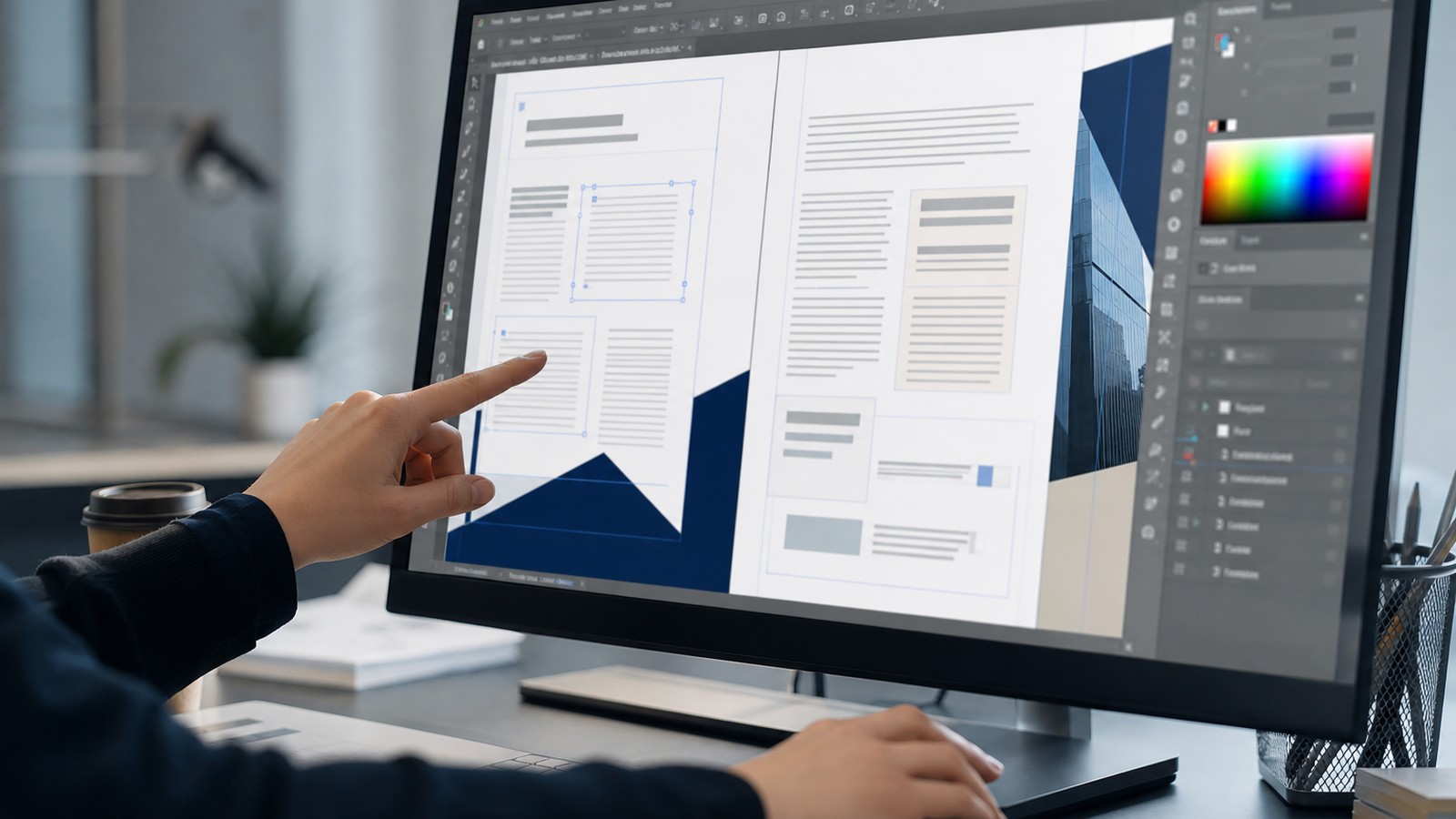
Languages such as Arabic, Hebrew, and Farsi read from right to left, which changes far more than the direction of the text. Page layout, image placement, navigation elements, tables, and even the reading order of a multi-column brochure often need to mirror the original design rather than simply flow the translated text into the existing template. A document built for a left-to-right language and translated into Arabic without a proper DTP pass can end up with a layout that technically contains the right words but reads in a confusing or unnatural order.
Font compatibility creates a second, less visible problem. Many design fonts used for English marketing materials do not include the character sets needed for Cyrillic, Arabic script, Chinese, Japanese, Korean, or languages with heavy diacritical marks. Substituting the wrong font can produce missing characters, boxes where letters should be, or a typeface that looks unprofessional in the target language even though it looked polished in English. Choosing a font family with full character support for every target language is a decision that has to happen during the DTP stage, not after a document has already gone to print.
Where Multilingual DTP Matters Most for Bay Area Businesses
Multilingual desktop publishing carries real weight anywhere a document's appearance affects how it is received. In legal translation, a contract, disclosure, or court filing needs formatting that matches the source document section for section, so a reviewer or a judge can compare the two versions side by side without confusion. A misaligned clause number or a table that shifted during layout can create doubt about whether the translation is complete, even when nothing is actually missing.
For real estate and financial firms, translated disclosures, offering documents, and investor materials need to look as authoritative in the target language as they do in English, since a document that looks amateur can undercut trust before anyone reads a single sentence. For Bay Area technology companies producing multilingual product guides, packaging inserts, or training manuals, DTP keeps diagrams, callouts, and numbered steps aligned with the translated text so a reader never has to guess which instruction goes with which image. Marketing teams publishing translated brochures, trade show materials, or annual reports rely on the same DTP process to keep a brand's visual identity consistent across every language a company operates in.

Multilingual DTP and AI-Assisted Translation Tools
AI translation tools have made the underlying translation step faster, but they do not solve the layout problem at all. An AI system can produce fluent target-language text, yet it has no awareness of how that text will behave inside a specific InDesign file, PowerPoint template, or printed brochure. The real risk with AI-generated translations is not that the software drops individual words. It is that AI output can miss nuance, idiom, and cultural context that a native reader would catch immediately, and it has no way to flag that a translated heading is now three words too long for its text box.
A document that combines AI-assisted translation with human review and a dedicated DTP pass gets the speed benefit of AI without inheriting its blind spots. The desktop publisher checks the finished layout against the source file line by line, confirming that headers, captions, footnotes, and page numbers all line up correctly before a client ever sees the final version.
How to Get Started with Multilingual Desktop Publishing
A business preparing a document for translation should send the original file in its native, editable format, such as an InDesign, Illustrator, or PowerPoint file, rather than a flattened PDF. Editable source files let a desktop publisher work directly inside the original design instead of rebuilding it from scratch, which saves time and reduces the chance of a formatting mismatch.
It also helps to flag any content that should not expand or shrink, such as a fixed-size label, a packaging die-line, or a legal document where every page must match the source pagination exactly. The W3C's guidance on international text and script direction is a useful reference for any team building templates meant to work across left-to-right and right-to-left languages from the start, since planning for language variation during the original design phase makes the DTP stage faster and less costly later.
How Auerbach International Supports Multilingual Desktop Publishing
Auerbach International has provided translation, interpreting, and localization services since 1990, and multilingual desktop publishing is a standard part of how the company delivers translated document translation projects. A dedicated desktop publisher reviews every formatted file against the source document, checking text expansion, font support, image placement, and reading direction before a client receives the final version. Whether the document is a legal contract that needs to match the English pagination exactly or he or she is preparing a multilingual marketing brochure for a trade show, the layout gets the same level of attention as the translation itself.
If your Bay Area organization needs a translated document that is ready to print or publish, not just translated, request a translation quote and tell us about your file format, target languages, and design requirements. We will make sure the finished document looks as professional in every language as it does in the original.
Frequently Asked Questions
What is the difference between translation and desktop publishing?
Translation converts the meaning of a document from one language into another. Desktop publishing is the layout and design work that happens afterward, fitting the translated text back into the original template so fonts, spacing, images, and page breaks all look correct. A document can be translated accurately and still need DTP work before it is ready to publish.
How much does text expand when translated from English?
It varies by language. German, Finnish, and Russian translations often run 20% to 35% longer than the English source. French, Spanish, and Italian typically expand by 15% to 25%. Some Asian languages take less horizontal space but need extra vertical room for readable line spacing, so the layout impact still has to be planned for.
Do I need DTP for a simple one-page document?
Usually yes, if the document needs to keep its original design. Even a one-page flyer can lose its layout when translated text expands past a text box or a pull quote no longer fits its allotted space. A quick DTP review before publishing catches these issues before a client or the public sees the document.
What file formats work best for multilingual DTP?
Editable source files, such as InDesign, Illustrator, or PowerPoint files, work best because a desktop publisher can adjust the layout directly. A flattened PDF or an image-based file usually has to be rebuilt from scratch, which takes longer and costs more.
Can AI translation tools handle document formatting?
Not reliably. An AI translation tool can produce fluent target-language text, but it has no visibility into how that text will fit inside a specific design file, and it cannot flag layout problems like a heading that no longer fits its text box. Formatting still requires a person who understands both design software and how the target language behaves on a page.
Why does right-to-left formatting need special handling?
Languages such as Arabic and Hebrew read right to left, which changes the reading order of columns, tables, and navigation elements, not just the direction of individual sentences. A document built for a left-to-right language usually needs its layout mirrored, not just its text translated, so the finished document reads naturally for a right-to-left audience.